
-
1
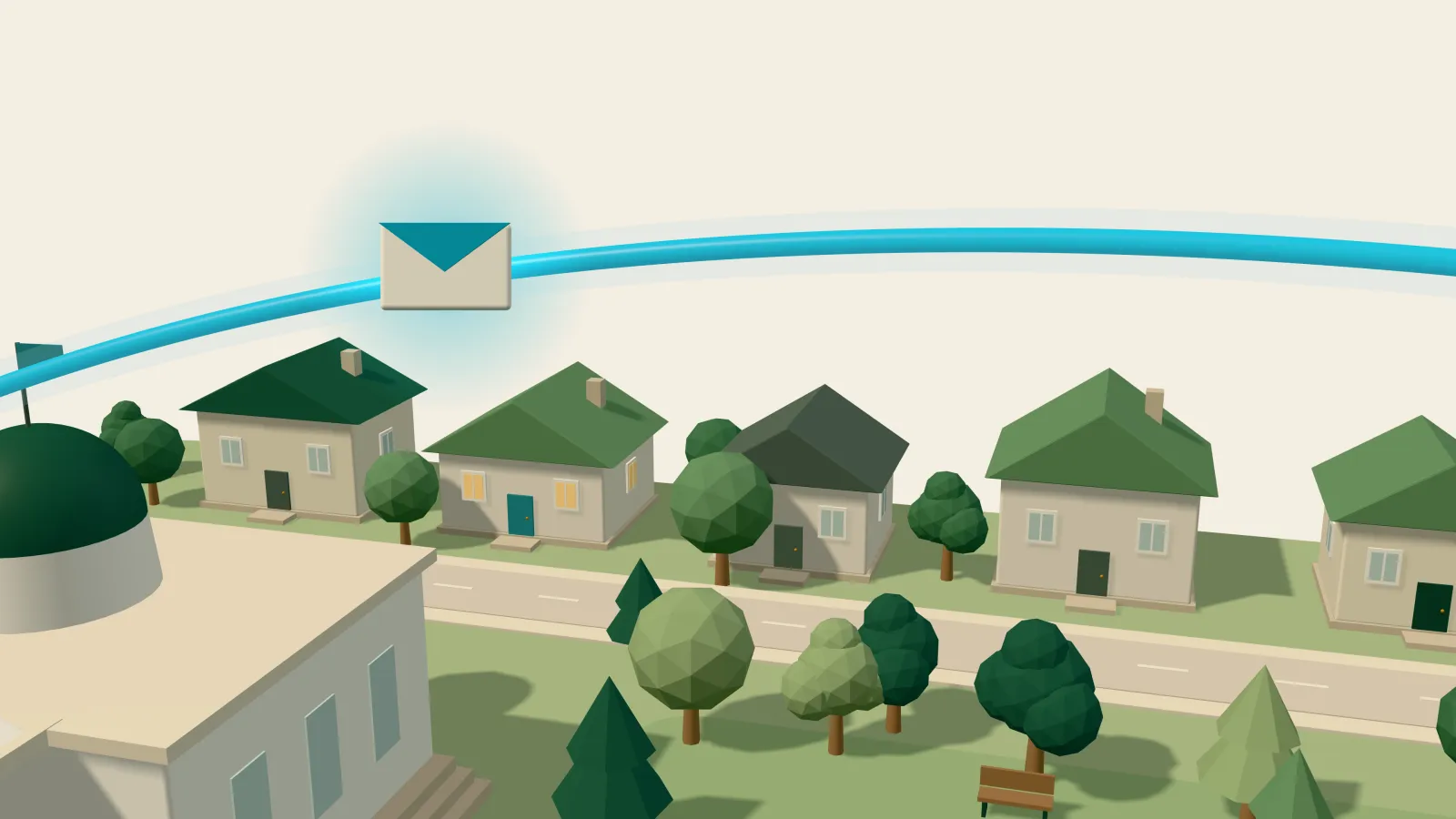
Residents sign up on your city’s page
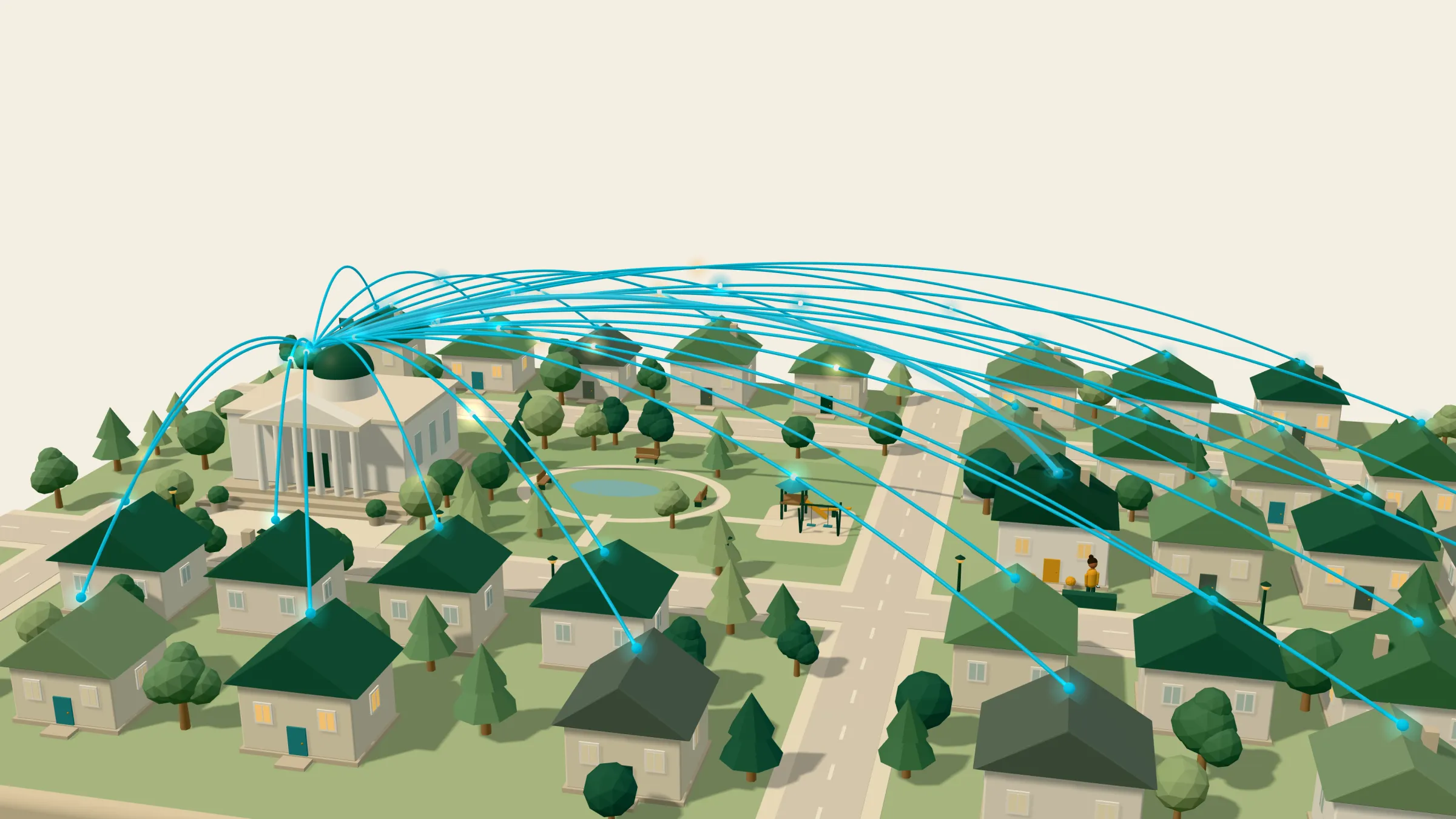
Your city gets its own public page. Every update goes there too, and every page invites residents to sign up. Only residents who sign up get messages.
-
2
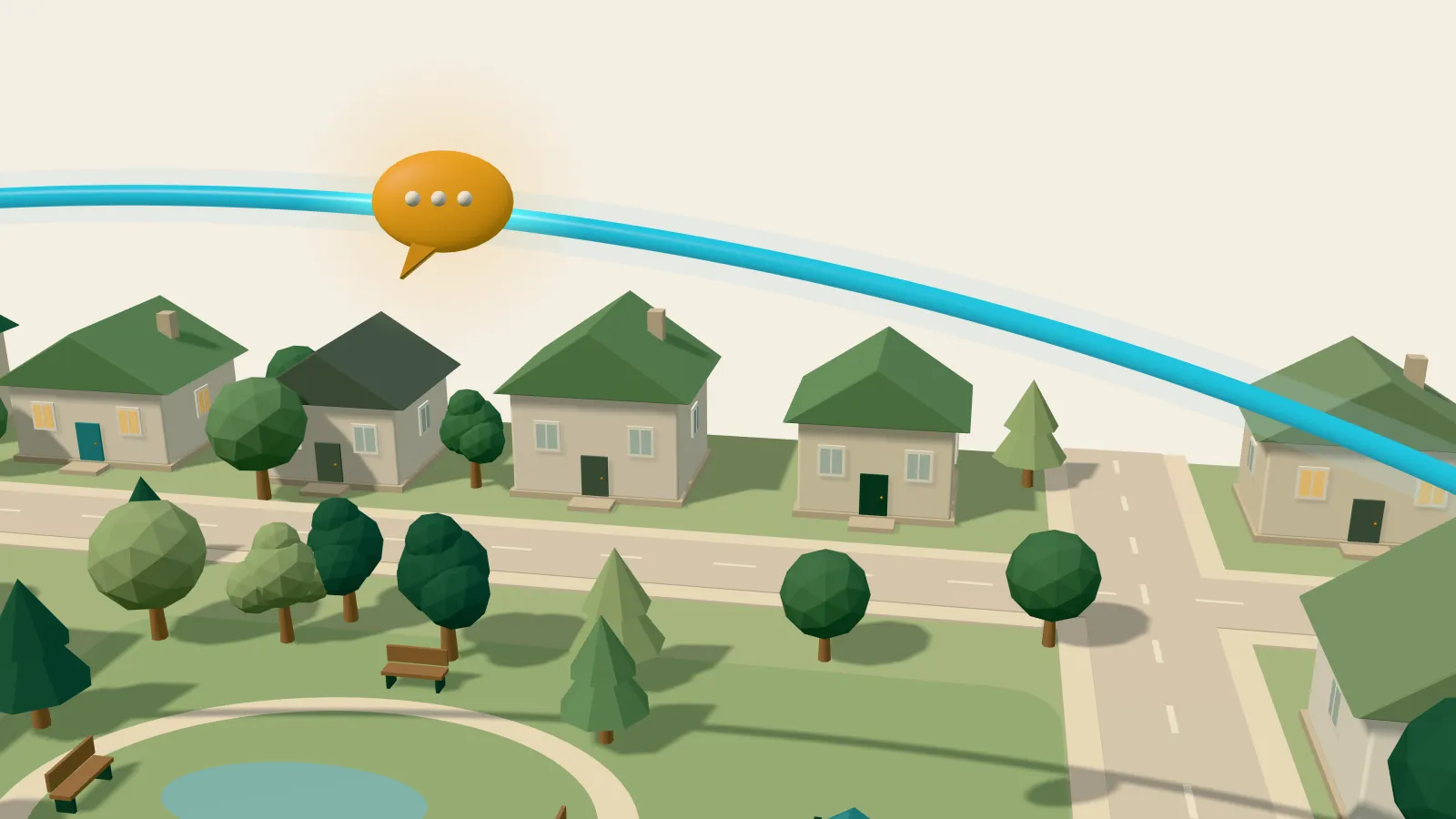
CitizenLoop picks who hears your update
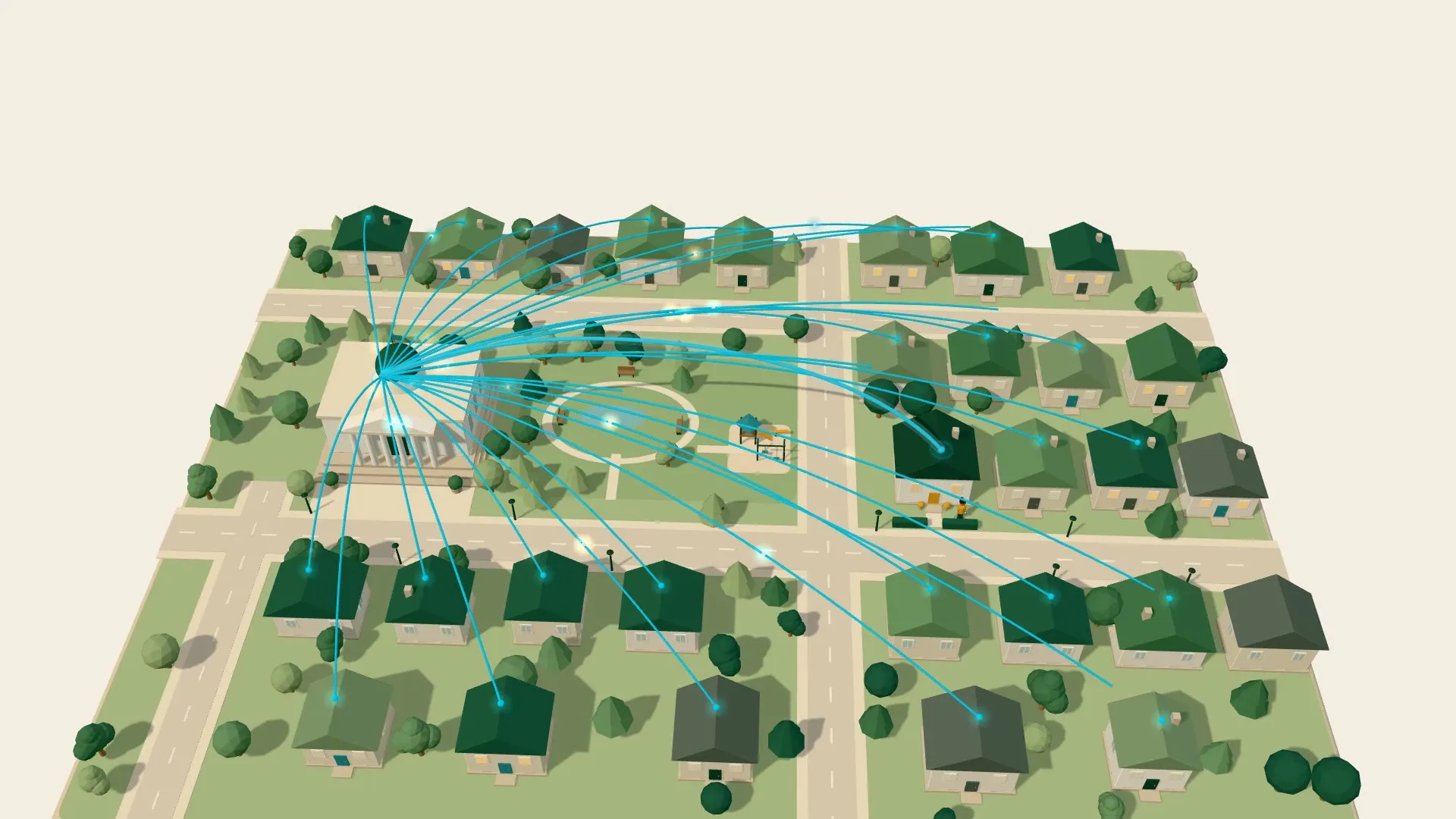
No mailing list to build. You write the news. CitizenLoop suggests topics, and you mark where it applies. Nothing goes out until you click Send.
-
3
Residents set the pace
Some get news right away, by email, text, or phone call. Others get it in a monthly or quarterly newsletter. Old news drops out after its date. Anyone can change their choices or stop at any time.
-
4
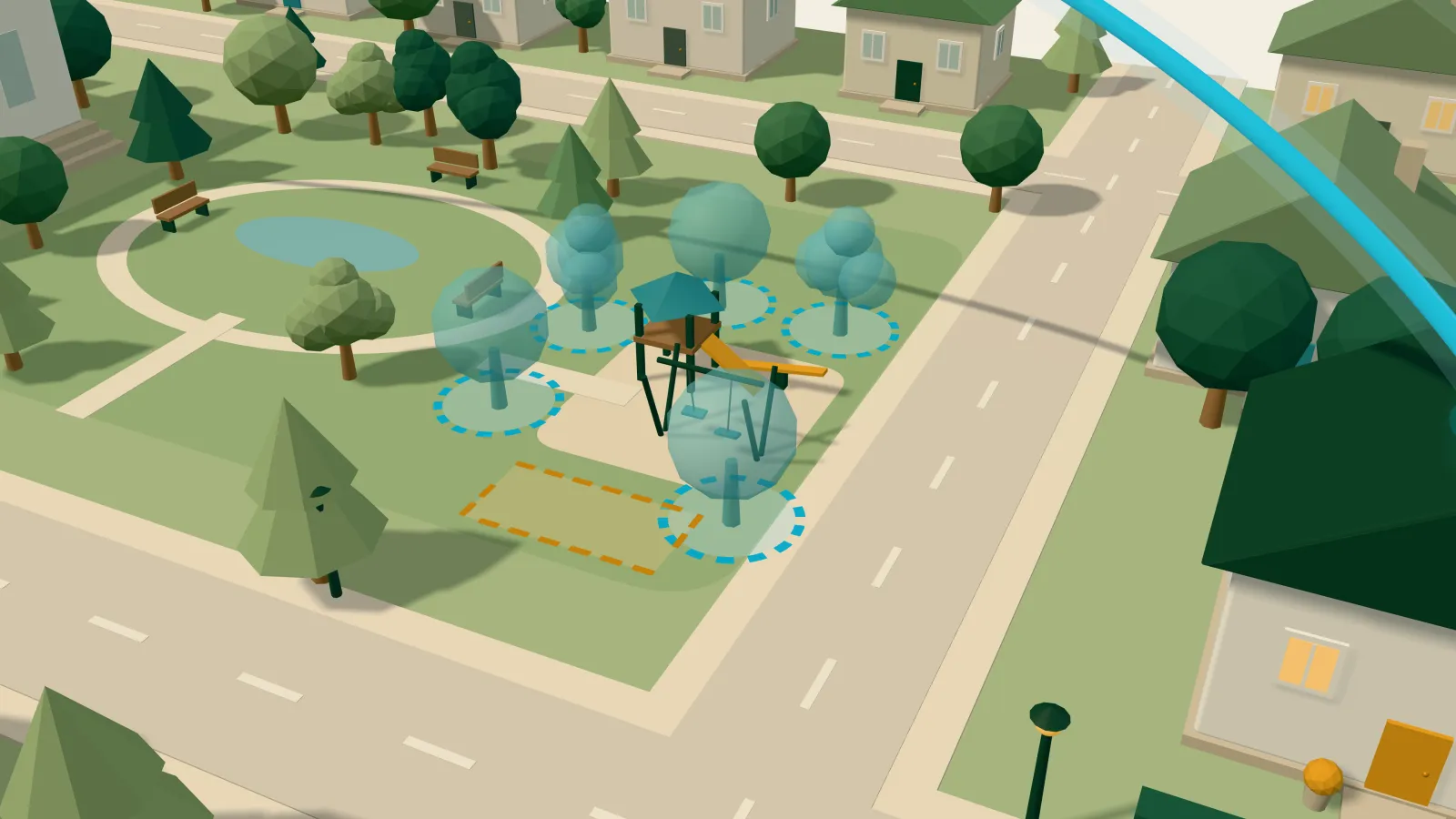
Ask residents with a poll
It goes only to residents who follow its topics and want polls. They answer online, by text, by printed letter, or by phone call. Reports shows the results, ready for a council packet.
-
5
You share the results back
Tell the residents who answered what you heard and what happens next. People who see that their answer counted have a reason to answer again.
Resident engagement for local governments
Stay in touch with every resident
You write updates and polls. CitizenLoop works out which residents should hear each one, when, and how. Each resident decides how much they want to hear. One household gets a monthly newsletter. The neighbor next door gets a text the day their street closes.
- By mail
- By text
- By email
- By phone
For the people who answer to residents
CitizenLoop is a tool for local government staff. You write updates and polls. CitizenLoop works out who hears them, when, and how.
City and county managers
Know where residents stand before a project goes to council.
Do residents support a new recreation center?
Department heads
Parks, public works, planning, and transit can tell the residents near a project what is happening, and ask what they think.
Which street repairs should come first?
Communications teams
Write the news once. Each resident it applies to gets it by email, text, or phone call, or in the next newsletter.
How do you want to hear about road closures?
Mayors and council members
Bring resident input to the meeting, in a report that is ready for the council packet.
What should next year’s budget do first?
A good relationship looks different at every address
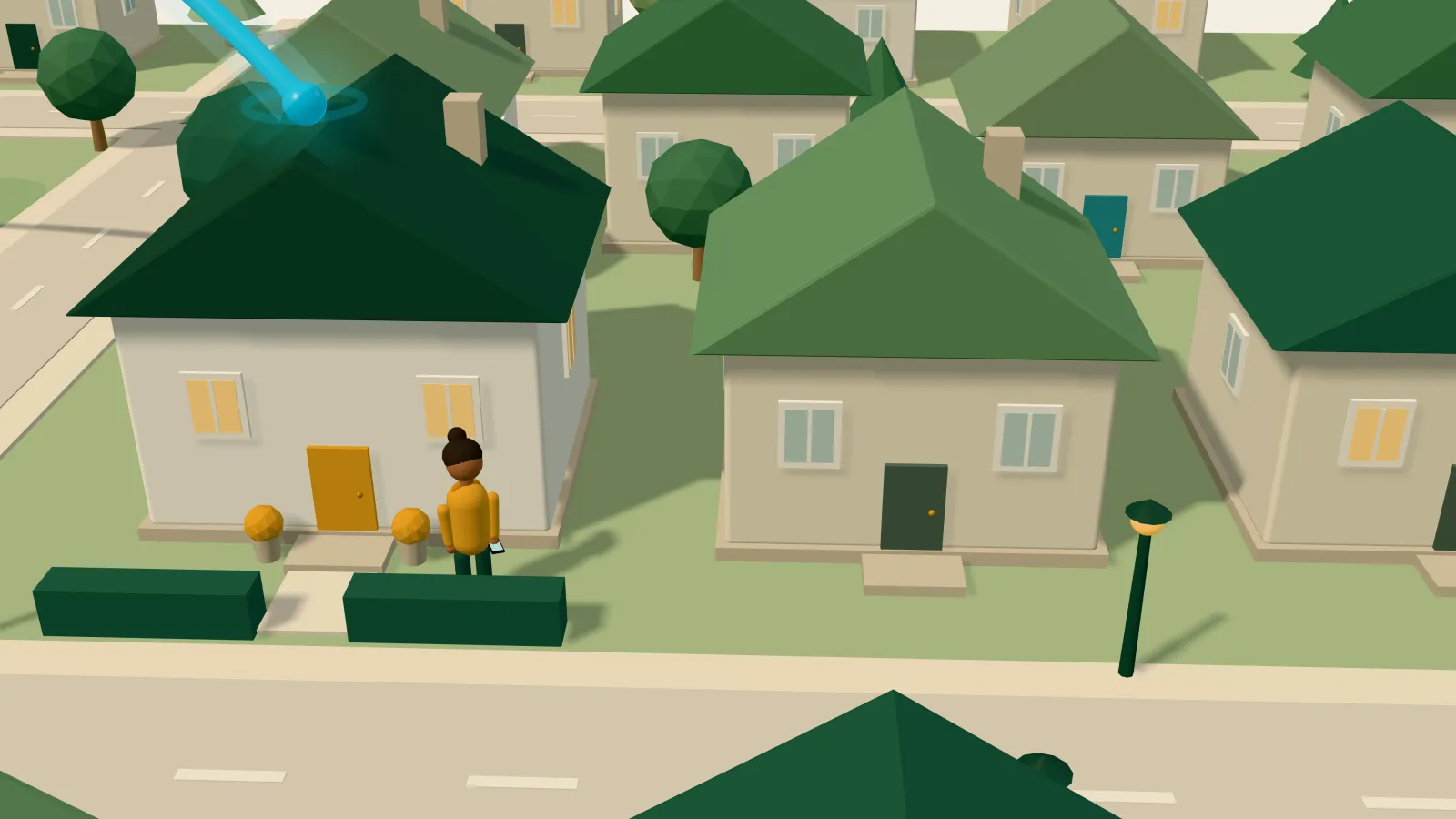
Each resident sets contact preferences: how often, about what, and on which channels. Pick a house on Elm St, or change the settings yourself.
What this resident gets in a year
Every resident, informed and heard
Most city news waits for residents to come looking. CitizenLoop goes to them. Here’s how it works, from sign-up to sharing the results.
Bring CitizenLoop to your city
Your city signs up for CitizenLoop. Then residents opt in on your city’s page. Only residents who opt in get updates and polls.
-
1
Talk with our sales team
Tell us about your local government and what residents need to hear about.
-
2
Set up your topics and team
Check your topics and invite your coworkers. A role can let someone write drafts that a second person sends.
-
3
Share your sign-up page
Put it everywhere residents already see you, from the water bill to the front desk.
-
4
Send updates and polls
Residents hear the news that applies to them. Reports are ready for a council packet.
Every city gets
- Its own public page, where residents sign up
- Resident settings for topics, timing, and channels
- Updates by email, text, phone call, or newsletter
- Polls sent only to residents who want them
- Answers online, by text, by printed letter, or by phone
- Reports ready for a council packet
- Team roles, so a second person checks before anything goes out
- Opt-out at any time, for every resident